
Who hasn’t heard about Google Analytics? Probably only those who are not interested in marketing at all.
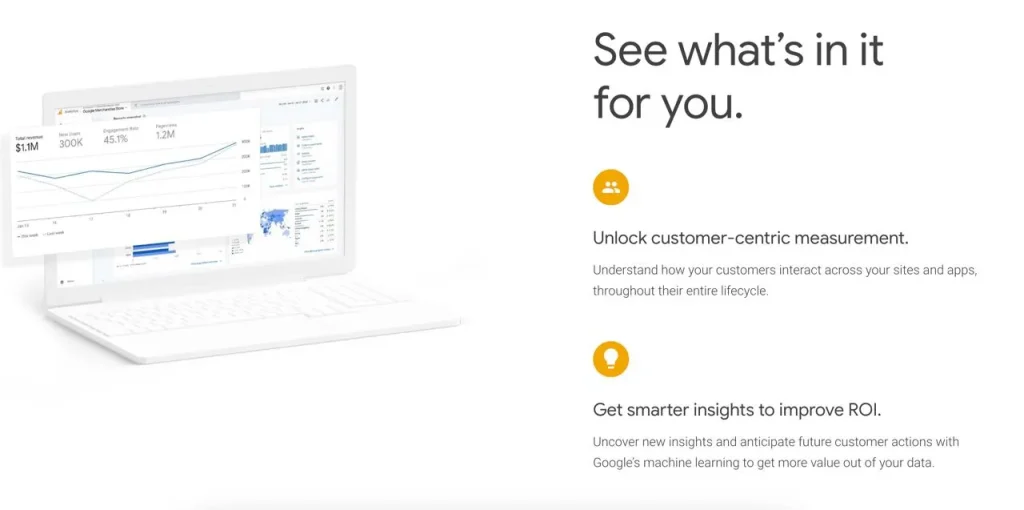
Google Analytics is a powerful web analytics service that provides detailed insights into website traffic and visitor behavior. It is an essential tool for SEO specialists, marketers, website owners, and businesses looking to understand and optimize their online presence.
With Google Analytics, you can track a wide range of metrics, including the number of visitors, their geographic location, pages visited, duration of stay, and actions taken. This data helps identify trends, understand your audience, and make data-driven decisions to improve your website’s performance.
Google Analytics also allows you to track the effectiveness of your marketing campaigns by setting up goals and tracking conversions. It integrates with other Google tools, such as Google Ads and Search Console, providing a comprehensive view of your online performance.
Google Search Console is a key tool for SEO specialists and marketers that provides information in an understandable way, focusing on key factors, saving time in processing and organizing large amounts of data. It is part of Google’s suite of tools designed to help with SEO, alongside other offerings like Google Analytics and Google Keyword Planner that is consider to be one of the best free keyword tool on the market.
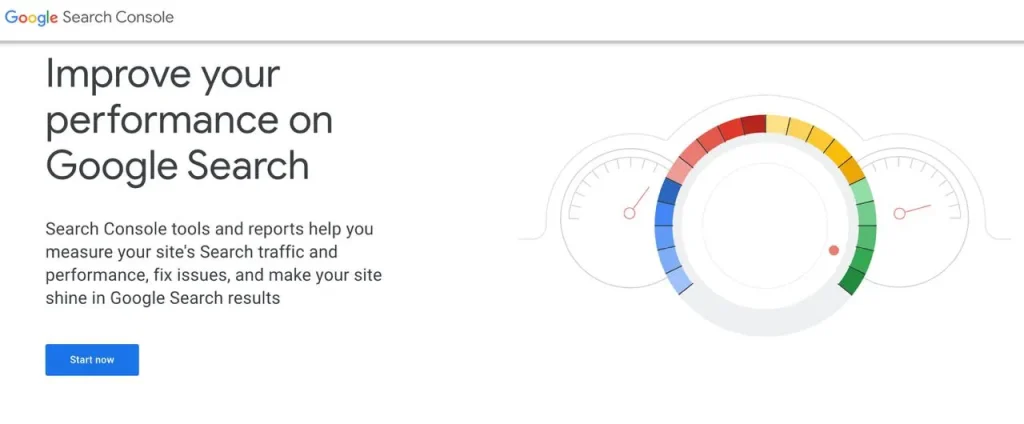
Search Console has become an indispensable tool for identifying and fixing technical SEO issues, monitoring website performance in search results, and optimizing content for target keywords. It provides detailed data on search rankings, click-through rates, and other important SEO metrics.
With its user-friendly interface and focus on key data points, Search Console has become an essential part of any serious SEO toolkit, making it easy to optimize routine tasks and keep your website performing well in search engines like Google.
Ubersuggest is a handy keyword research tool that simplifies the workflow of any SEO professional. It helps users find the right keywords to target based on search volume and keyword difficulty data, making it a valuable addition to any SEO’s toolkit.
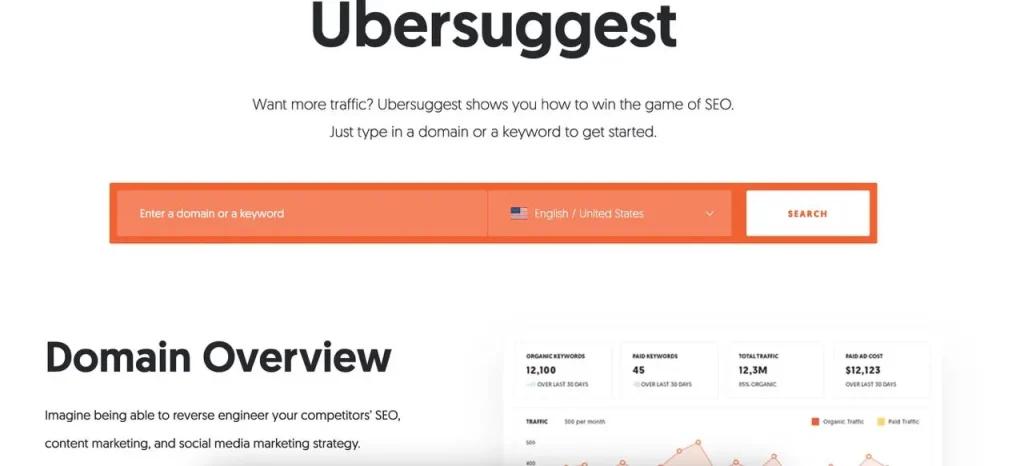
Ubersuggest’s user-friendly interface allows you to type in a seed keyword and get a list of relevant keyword suggestions, along with data on search volume, CPC, and competition level. This data can inform your content creation and on-page SEO efforts, helping you rank higher in search results.
For those serious about SEO, Ubersuggest is a must-have tool that offers powerful keyword generator capabilities without the high cost of some paid SEO software.
MozBar is a convenient SEO toolbar browser extension that allows you to quickly access key site metrics without the need for complex analysis. It’s available in both paid and free versions, making it accessible to SEOs of all levels.
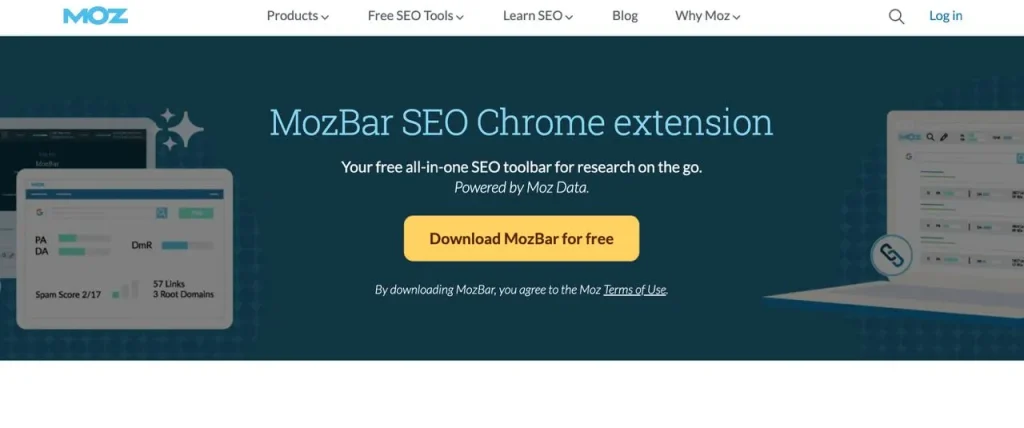
The free version of MozBar is a great tool to help beginners get started with SEO, as it provides essential data on page authority, domain authority, and other important SEO metrics. This data can be used to inform your keyword research, on-page optimization, and link building efforts.
As a free Chrome extension, MozBar is easy to install and use, making it a valuable addition to any SEO’s toolkit alongside other free and paid tools like Ahrefs’ SEO toolbar or Semrush.
The SEOWorkers Analysis Tool is a user-friendly platform that allows you to analyze any website’s URL and get detailed insights into its on-page SEO. It evaluates various factors such as title tag length, keyword relevance, and other important SEO metrics.
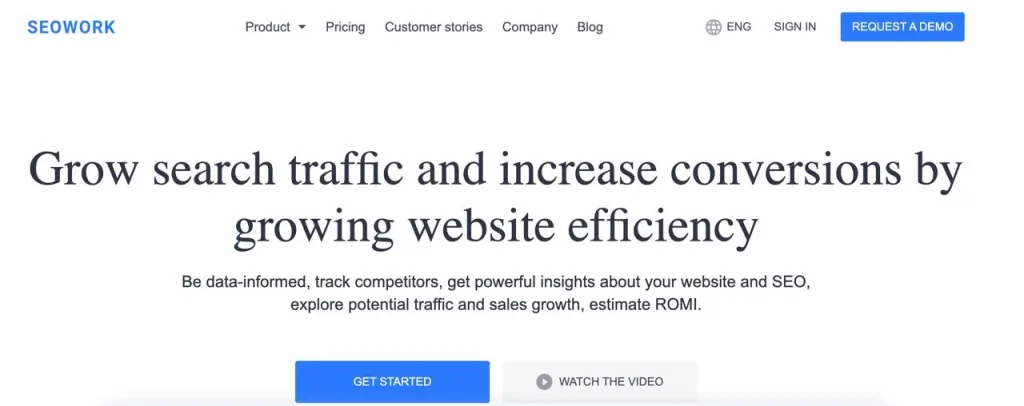
One of the standout features of SEOWorker is its training-oriented approach to presenting information, making it particularly useful for beginners learning the ropes of SEO. The tool provides explanations and suggestions alongside the data, helping users understand the importance of each metric and how to optimize their websites accordingly.
SEOWorker is a valuable addition to any SEO’s toolkit, especially those just starting out. It can be used alongside other free and paid SEO tools like keyword research tools, backlink checkers, and website auditing software to get a comprehensive view of a website’s SEO health and identify areas for improvement.
WooRank is a comprehensive website review tool that offers valuable insights into various aspects of a site’s SEO health. At first glance, it may seem like a common analysis tool, but WooRank goes beyond the basics to provide detailed information about a website’s structure and performance.
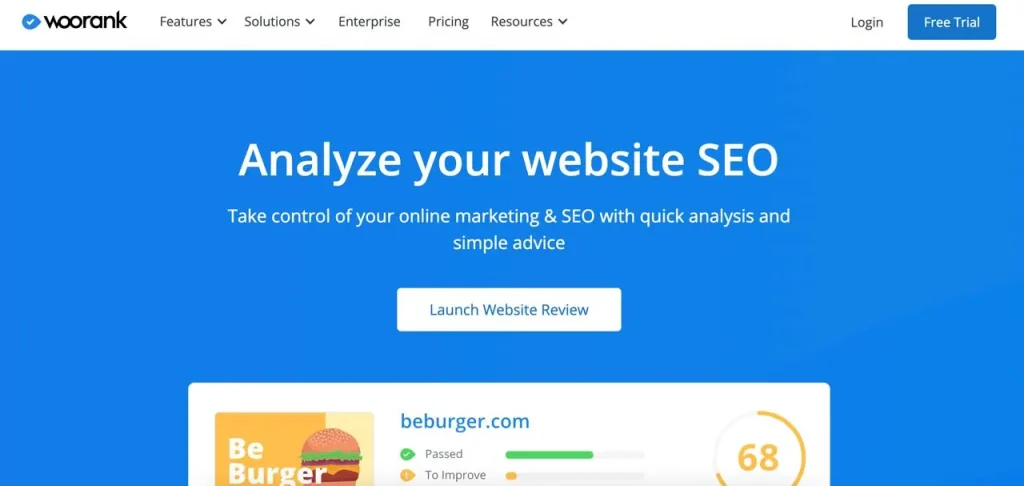
One of the standout features of WooRank is its ability to quickly identify if a site has a blog, saving users time and effort. Additionally, the tool not only analyzes traffic but also collects geolocation data, which can be particularly useful for local SEO efforts.
WooRank offers a free version that provides users with a detailed SEO audit, identifying common SEO issues and offering suggestions for improvement. The tool also integrates with other popular SEO tools like Google Analytics and Ahrefs, making it a valuable addition to any SEO’s toolkit.
Neil Patel’s SEO Analyzer, formerly a standalone tool, is another valuable resource you should be aware of alongside Ubersuggest. The best part? It’s completely free to use.
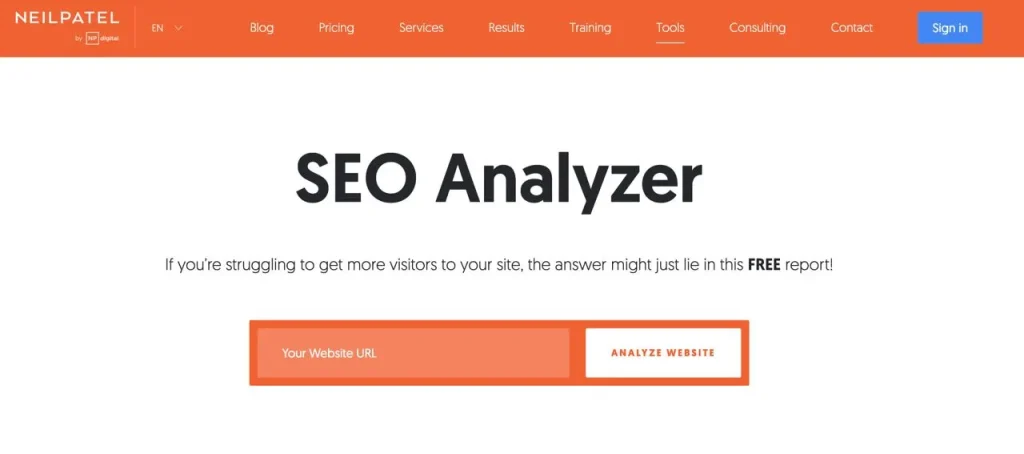
To get started, simply enter your website’s URL, and the tool will take around 10 minutes to thoroughly analyze your site. It will identify SEO issues, assess your site’s mobile performance, and provide actionable recommendations to improve your website’s search engine rankings.
The SEO Analyzer is an excellent addition to any SEO’s toolkit, as it offers a comprehensive analysis of your website’s technical SEO, on-page optimization, and overall performance. It’s a must-have tool for anyone serious about improving their site’s visibility in search results, and it’s especially helpful for those just starting out with SEO.
ClickFlow is a powerful tool that helps marketers identify old pages on their website that are no longer performing well and driving traffic. Instead of simply creating new content or acquiring new backlinks, ClickFlow enables you to focus on optimizing existing pages that have the potential to regain their search traffic.
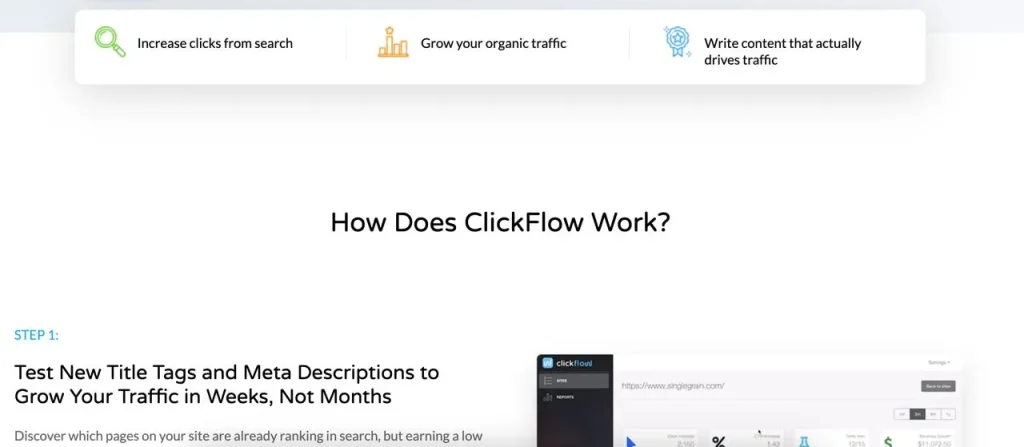
To use ClickFlow, you need to connect it to your Google Search Console account. Once the data is imported, ClickFlow generates a report showing the pages that have lost the most search traffic over the past 12 months. These pages are prime candidates for content optimization and can help you boost your website’s overall performance.
ClickFlow is a valuable addition to any SEO’s toolkit, as it helps you prioritize your optimization efforts and make data-driven decisions. By focusing on improving underperforming pages, you can often see significant gains in search traffic without the need for extensive content creation or link building campaigns.
Answer The Public is a powerful keyword research tool that helps you discover the questions users are asking on Google when searching for information related to your topic. By incorporating these search queries into your content, you can attract additional traffic and improve your site’s search engine rankings.

Using Answer The Public is simple – just enter a keyword, and the service will generate a comprehensive list of related questions and queries. Similar to Ubersuggest, it also provides comparisons and keywords associated with prepositions, giving you a wealth of ideas for content creation and optimization.
KeywordTool.io is a versatile keyword research tool that collects data from multiple search engines and resources, including Google, Amazon, Play Store, and YouTube, using a similar approach to Google Suggest.
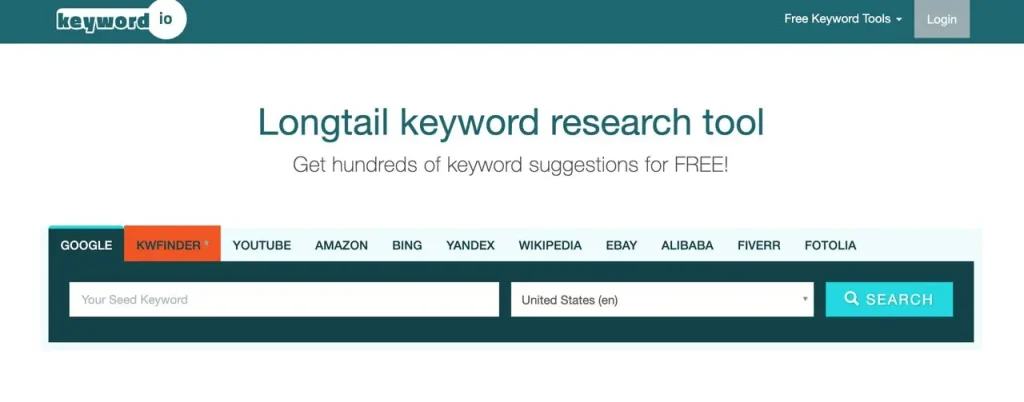
While many SEOs primarily focus on improving their site’s rankings on Google, it’s essential not to overlook other search engines. By utilizing KeywordTool.io, you can optimize your site for various search platforms, find keywords for your content strategy, maximizing your potential traffic and ensuring your site is useful across different search engines.
KeywordTool.io is a fantastic SEO tool that helps you find relevant keywords and phrases for your content, allowing you to create targeted, search engine-friendly pages. Whether you’re looking to improve your site’s visibility on Google, Bing, or other search engines, KeywordTool.io is a must-have in your SEO toolkit.
FAQfox is a handy tool that helps you discover the questions people are asking about a specific topic. By incorporating answers to these popular questions into your content, you can often improve your search engine rankings and drive more targeted traffic to your site.
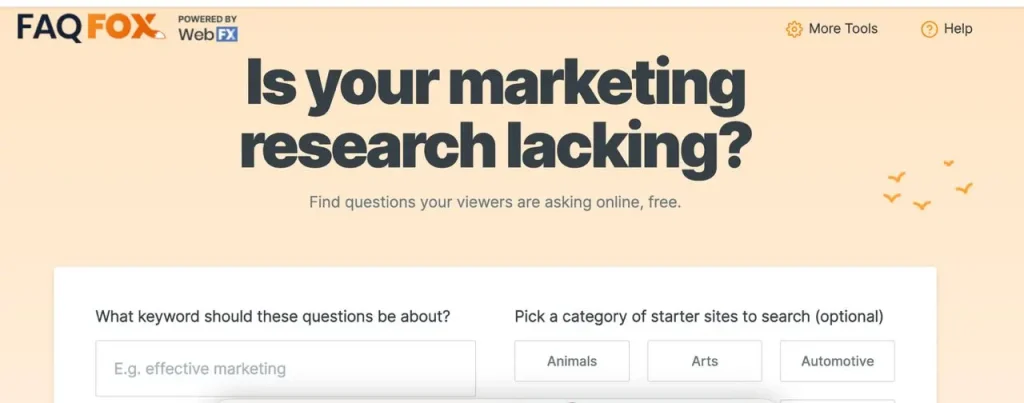
Using FAQfox is straightforward. Simply enter a keyword, such as “SEO content” and specify a URL like quora.com in the box provided. FAQfox will then generate a list of relevant questions based on the categories and topics people are inquiring about on Quora.
FAQfox is a valuable addition to any SEO’s toolkit, as it helps you create content that directly addresses your target audience’s needs and questions. By leveraging this tool alongside other free and paid SEO tools, such as keyword research tools, on-page optimization tools, and backlink checkers, you can create a comprehensive SEO strategy that drives results.
The Google SERP tool is a valuable resource that helps you optimize your meta tags and improve your click-through rates from search results. Contrary to popular belief, Google considers the pixel count of meta tags rather than just the character count.
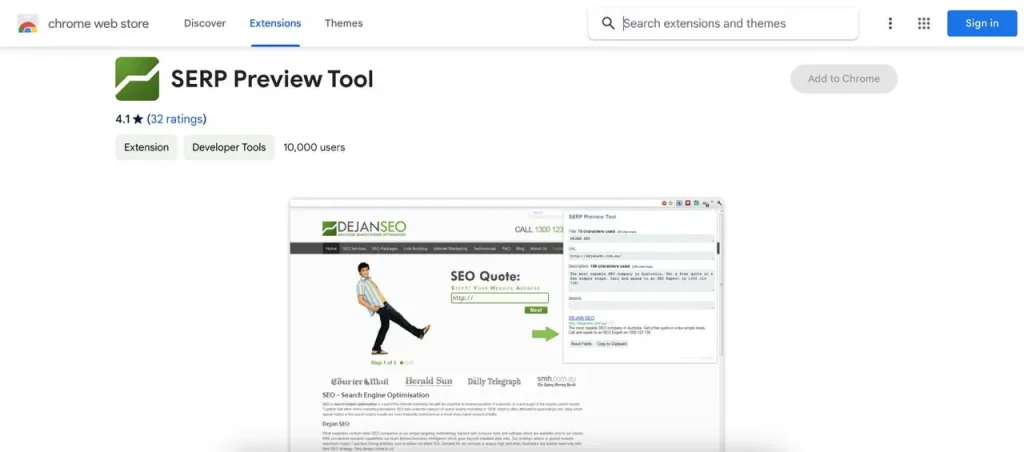
This free SEO tool tells you how many pixels your meta tags contain and whether they will be truncated by Google. It also provides a preview of how your web pages will appear in search results, which can significantly impact your site’s click-through rates.
By using the Google SERP snippet optimization tool alongside other free SEO tools like Screaming Frog, Ahrefs Webmaster Tools, and WordPress SEO plugins, you can create effective meta tags and snippets that entice users to click on your site in search results. Optimizing your SERP snippets is crucial for driving targeted traffic and improving your site’s overall SEO performance.
Website loading speed is one of the key metrics. Pagespeed Insights is a free SEO tool that analyzes your website and provides actionable recommendations to improve its loading speed on both desktop and mobile devices. By using this tool, you can identify areas of your site that need optimization, such as reducing file sizes, leveraging browser caching, and minimizing render-blocking resources.
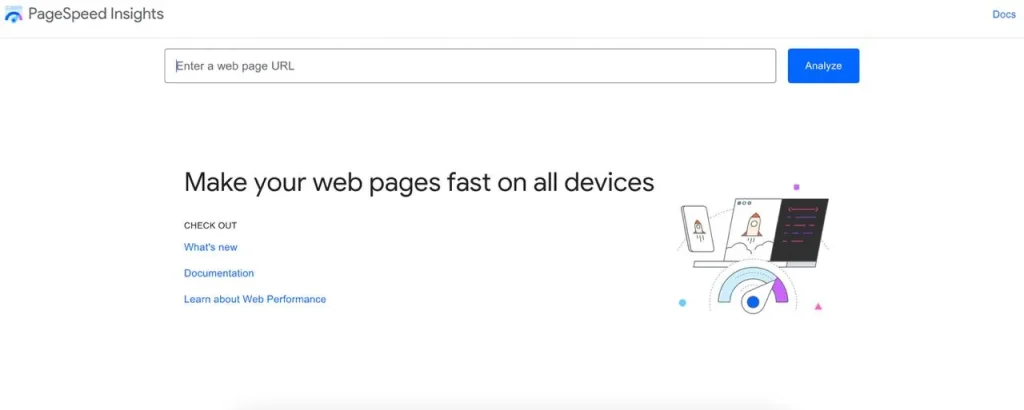
Incorporating Pagespeed Insights into your SEO toolkit alongside other free tools like Screaming Frog, keyword research tools, and on-page optimization plugins can help you create a fast, user-friendly site that ranks well in search results. Improving your site’s loading speed not only benefits your SEO but also enhances user experience, leading to increased engagement and conversions.
SEOptimer is a user-friendly tool that provides a comprehensive overview of a web page’s SEO performance and content. By simply entering a URL, you can obtain a free SEO site audit and receive actionable recommendations to enhance your site’s search engine optimization.
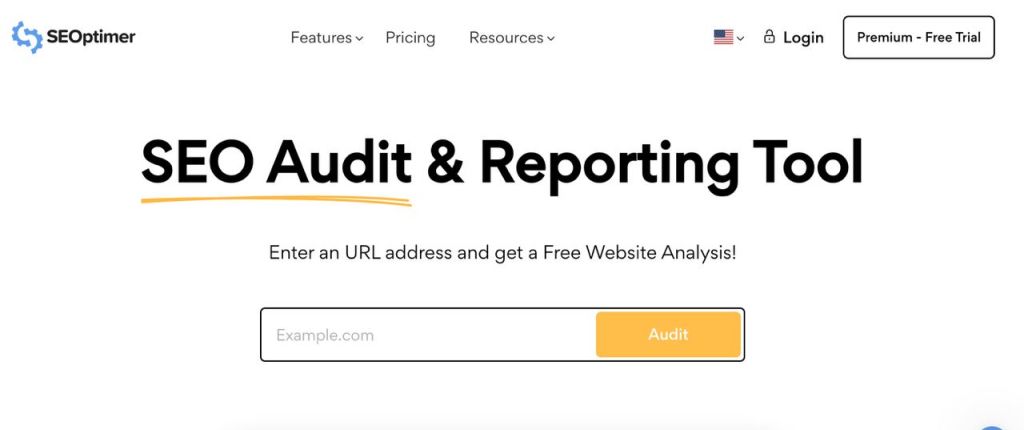
One of the standout features of SEOptimer is its analysis of page speed and website loading quality across various devices. This is crucial in today’s mobile-first online landscape, as search engines prioritize fast-loading, mobile-friendly websites. SEOptimer also offers insights into social media sharing data, helping you gauge your content’s popularity and reach.
XML-Sitemaps is a free tool that automatically generates a sitemap for your website, which you can then submit to Google Search Console. Sitemaps are crucial for helping search engines effectively crawl and index your site, but creating them manually can be challenging and prone to errors, especially for less experienced webmasters.
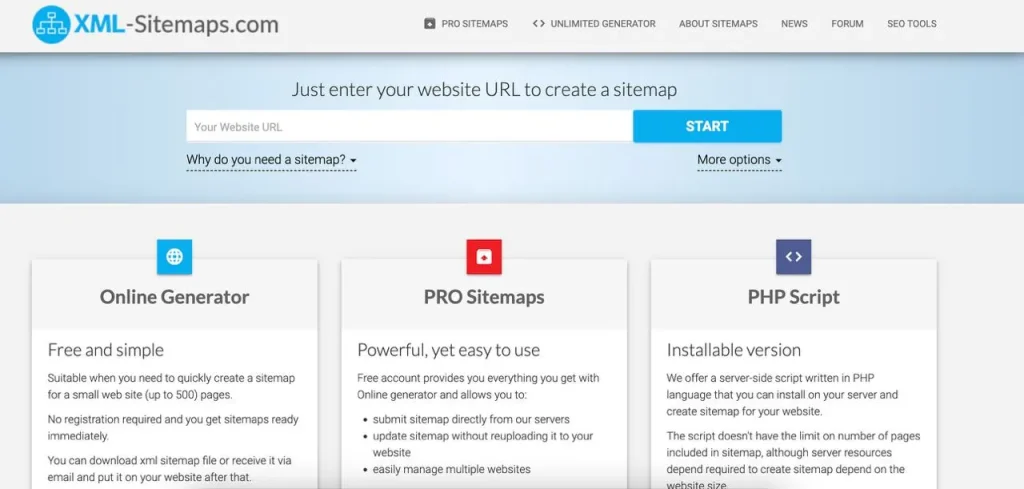
By using XML-Sitemaps, you can ensure that your sitemap is correctly formatted and optimized for search engine crawlers. This tool simplifies the process of creating a sitemap, making it an essential resource for anyone looking to improve their site’s SEO performance.
As experienced SEO professionals, we highly recommend trying out these free tool to streamline and enhance your optimization efforts.